About the cemetery
Dream Cemetery is a quiet place to bury a dream you have given up on. Not to forget it, but to say an honest goodbye — and walk on a little lighter.
It is a world you walk in the first person: an old gothic cemetery behind a wrought-iron fence, with alleys, a chapel, fog and lamplight. Thousands of nameless headstones stand for forgotten dreams that no one is left to speak of. Among them rise real graves, set there by real people. You can wander the alleys, read the inscriptions, light a candle, leave a flower or a word of condolence. There are no enemies here, no score, and no hurry.
In the cemetery right now
- dreams at rest
- candles burning now
- flowers this week
- words of condolence
The caretaker is counting the candles…
What it looks like
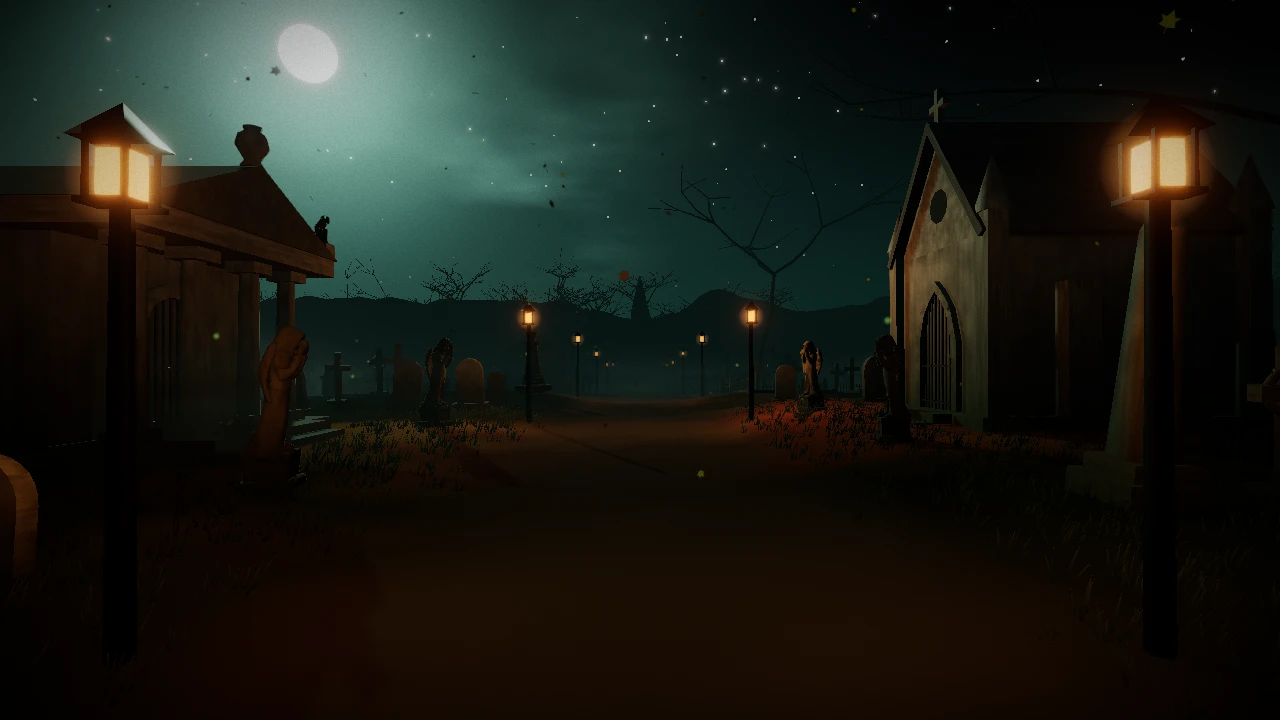
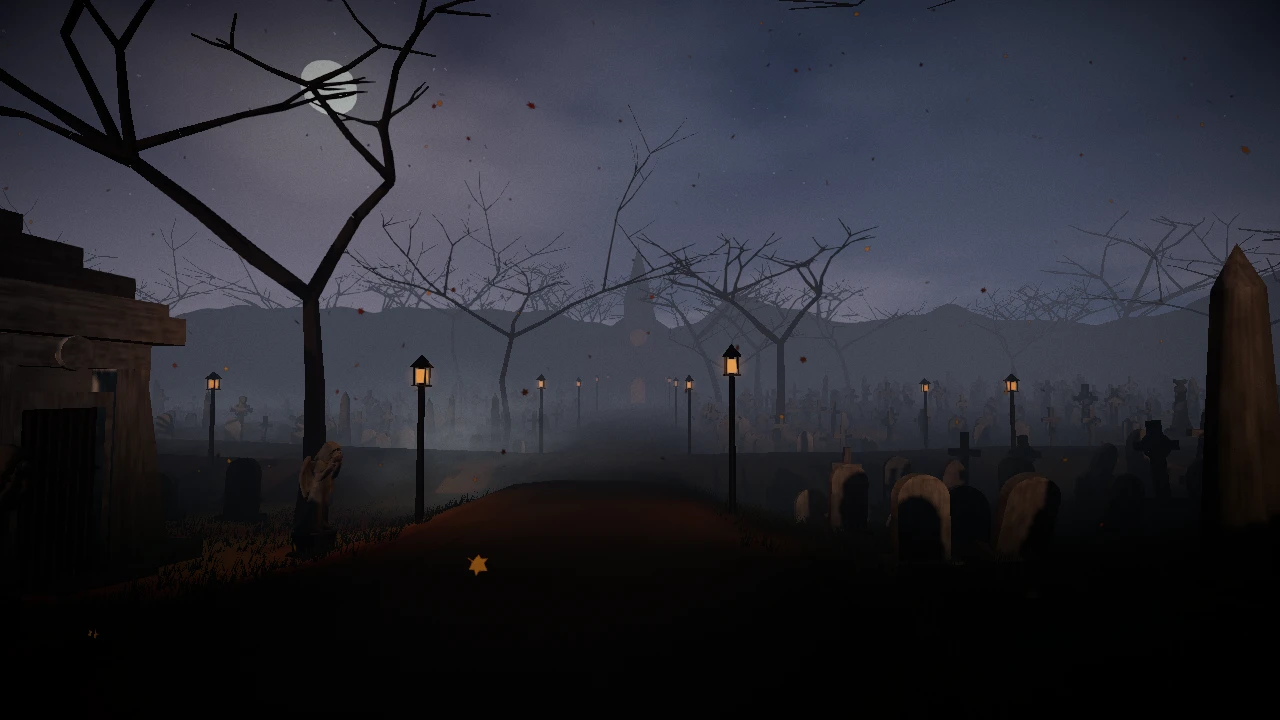
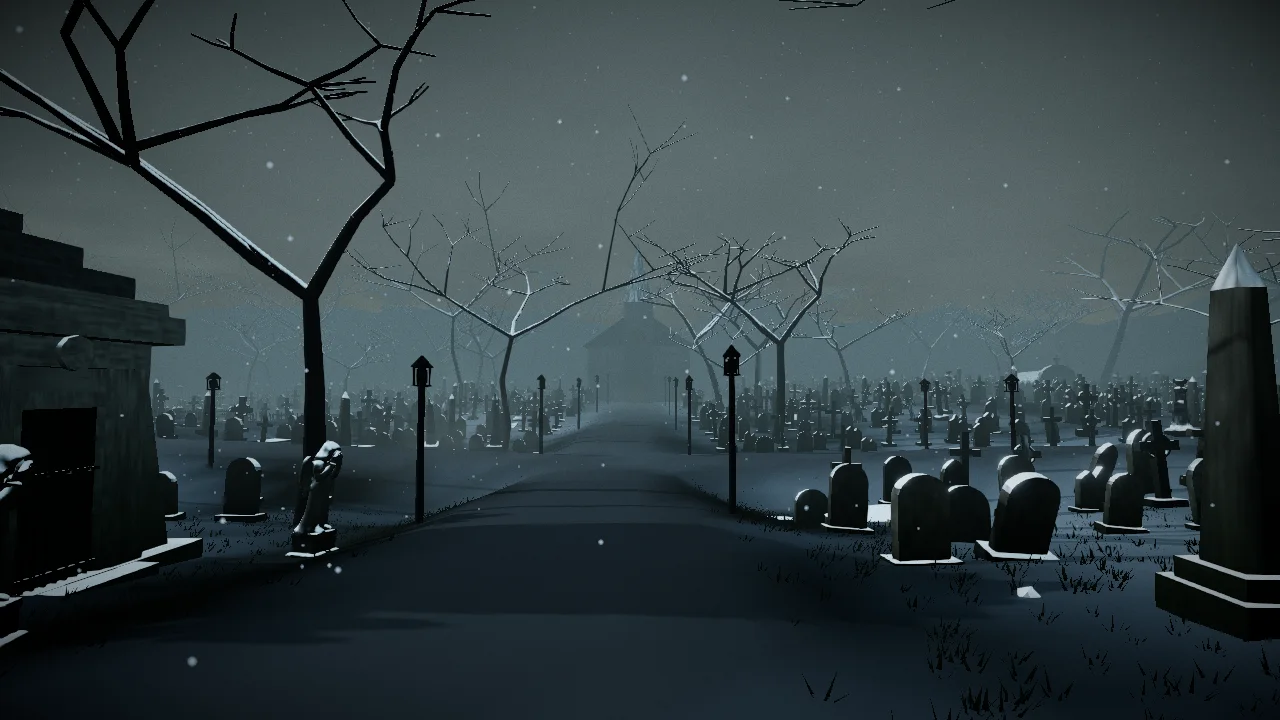
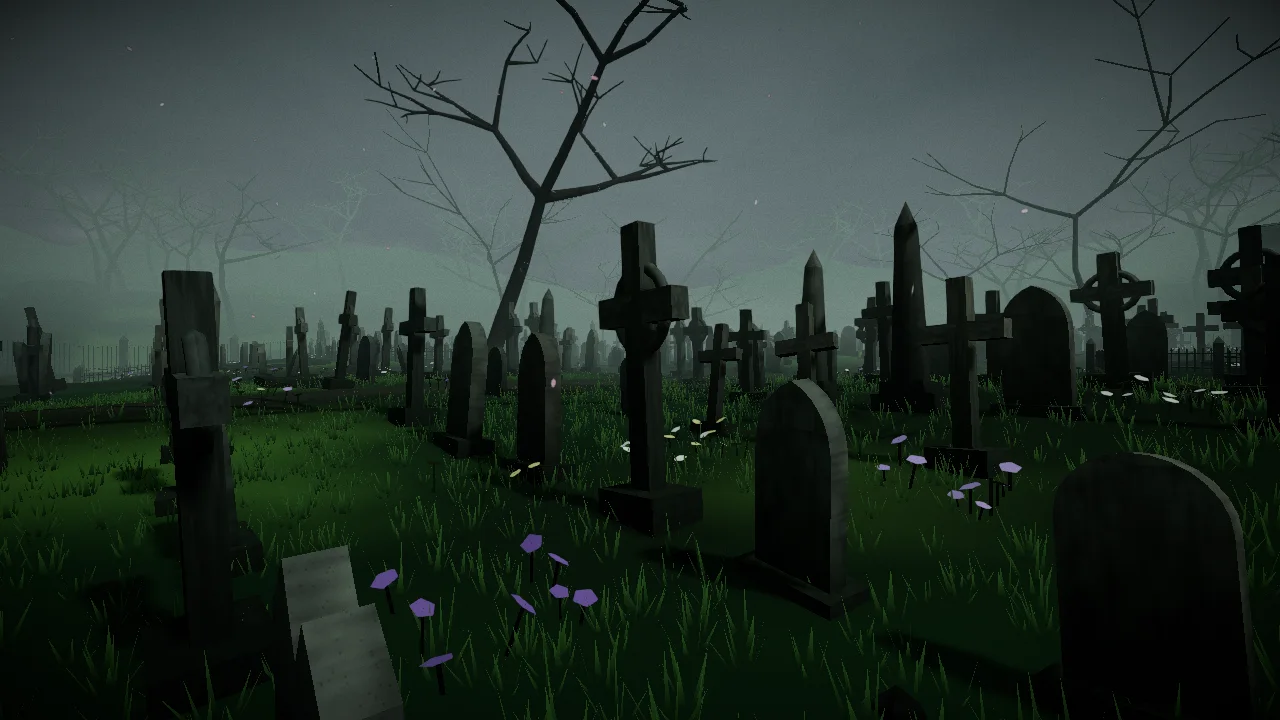
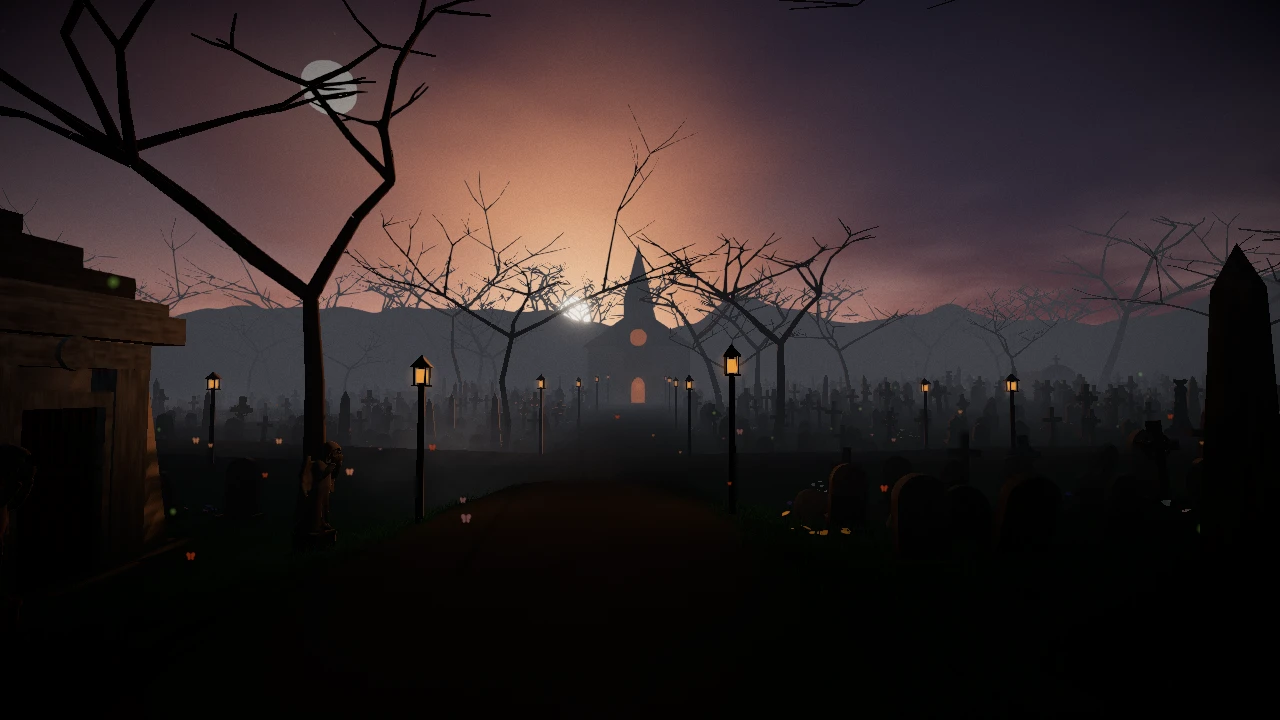
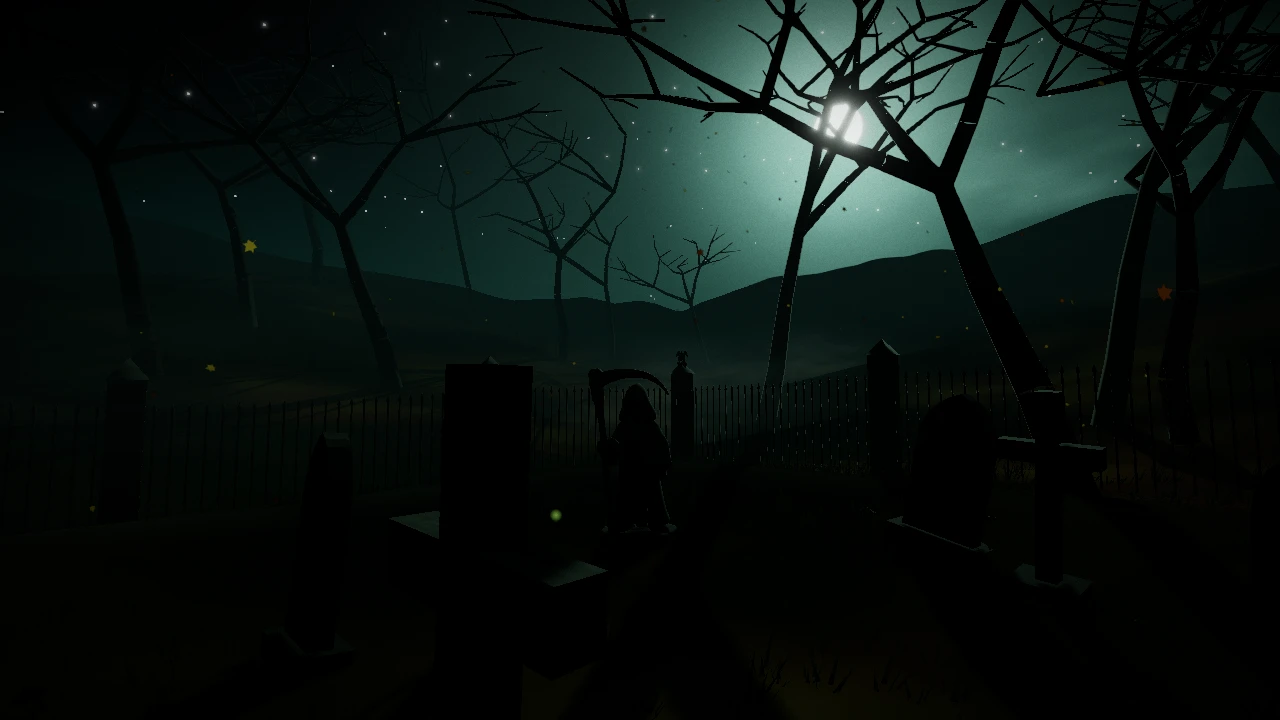
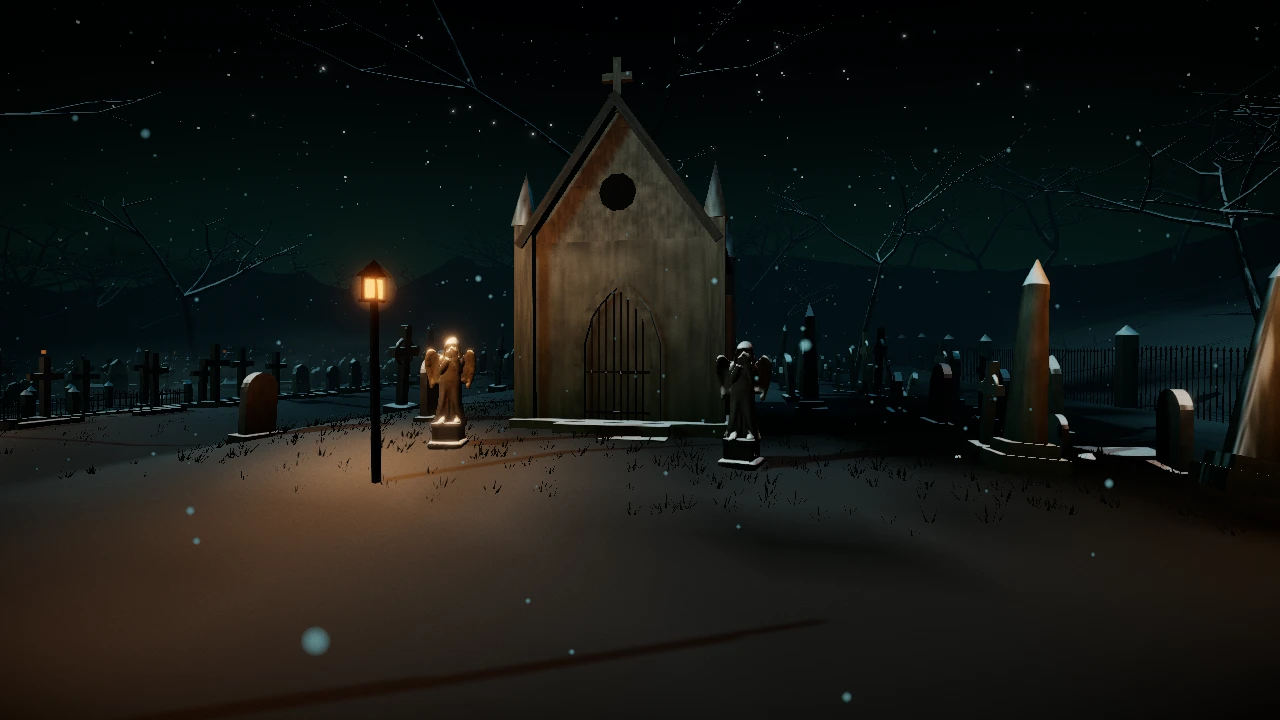
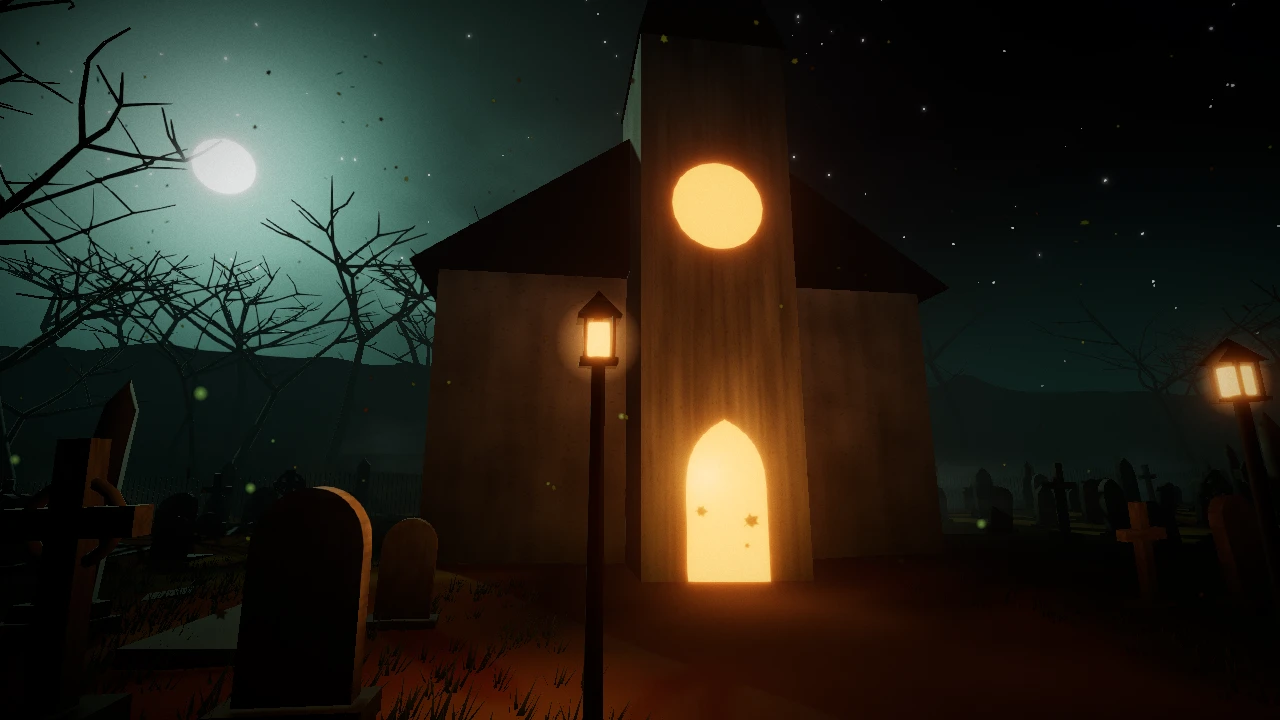
The hour in the cemetery is your own hour, and the season follows your calendar: by day a gloomy fog hangs over the graves, by night the lamps and candles glow, and in winter snow lies on the stones. These pictures were taken inside the game itself, untouched. And a day and a year of the cemetery, folded into two minutes, make up the short film The Raven's Flight.
How to walk
On a computer
- Click the screen to enter.
- W A S D — walk, Shift — faster, mouse — look around.
- E — act, whenever a hint appears nearby (a grave, the book by the gate, the chapel porch).
- M — the cemetery map: real graves glow on it like small flames.
- Esc — pause: graphics quality, sound, the book and these pages.
On a phone
- Left thumb — walk (a joystick ring appears), right thumb — look around.
- Tap a grave or a stone to open its menu.
- ☰ in the top right corner — pause, the book and the map.
- If the scene stutters or your phone grows warm, choose “Low” quality in the pause menu.
Lost your way? On the map, every grave's card has a “Guide me” button: the raven that keeps watch by the gate will lead you along the alleys — in short flights, from stone to stone.
How to bury a dream
You don't need to sign up. A dream is laid to rest not in the book but in the earth of the cemetery itself. There are two ways.
Choose a stone yourself
Walk the alleys, find a place that speaks to you, and look at a nameless stone: a hint appears, “E — bury a dream here” (on a phone, tap the stone). The forgotten dream will give up its place to yours. You can't bury on the alleys or paths, or right up against someone else's grave — the hint will tell you why.
Trust the caretaker
Go up to the chapel porch at the end of the main alley and ask the caretaker for a place. He will give you the nearest free one, and the raven will lead you there. The book has a “Guide me to the chapel” button.
Then, the ritual
- Words: the dream's name, what it was, and a short epitaph to be carved on the stone (you may leave it out).
- Stone: shape, tone, moss and emblem — all shown live, under the real light of this hour.
- Name: sign the grave with your name from the book, or leave it nameless (the default).
- Burial: the earth settles, and above the stone the small flame of your dream is lit.
The secret key
If you buried a dream without an email and password, the caretaker gives you a secret key — your right to the grave: to change its words and stone, to leave keepsakes, to tend it. The key is shown only once and kept in your browser. Save it: it is the only way back to your grave from another device, and we cannot restore it. Later, in the Caretaker's Book (the stone lectern just inside the gate, on the right, or from the pause menu), the “My key” page lets you link an email or Google — and then the key is no longer needed.
You can also sign the book beforehand: a name in the book, an email and a password — or sign in with Google. Then the grave is yours from the first moment, no keys needed.
How to tend
Any grave, no sign-up
- Read the dream — its words rise above the stone.
- Light a candle (it burns for 7 days) or a vigil lamp (30 days). At night they can be seen from far away.
- Leave a flower — in time it wilts, like a real one.
- Leave a word — an anonymous word of condolence, tucked under a pebble; the dream's owner will read it, and so will other visitors.
Your own grave
- Tend the stone — once every 30 days, clear away the moss. Left untended, it slowly creeps over the stone.
- Keepsakes on the grave — lay things beside the stone that remind you of the dream, or a note under a pebble.
- Stone, inscription and signature — change them whenever you like.
- Visitors' words — read them, and clear away anything that doesn't belong.
To find your grave quickly, the pause menu has a “To my grave” button, and on the map your grave is marked in gold.
Where the cemetery came from
It began with the first version — Кладовище мрій (Dream Cemetery 1.0), a website where people first began to bury dreams, light candles and leave words. It is still open. The second version is this world — one you can step inside. The two share an owner and a database, so there is one account: you can sign in with the same email and password. Graves from the first version stand here too, and the candles, flowers and condolences left here can be seen there as well.
So that you know what you are looking at:
- The “hero” statues (the angel, the gargoyle, the Celtic cross, the carved obelisk, the statue of the Reaper) were made with the help of artificial intelligence. They were generated locally, on the owner's own computer: first an image with the FLUX.2 [klein] 4B model (Apache 2.0 license), then a 3D shape with the TripoSG model (MIT license). The results were then chosen by hand and fitted to the style of the cemetery.
- Almost everything else (headstones, trees, the fence, the crypts, the chapel, the sky, fog, light and the seasons) is built procedurally — that is, by code. The sounds of the world — wind, footsteps, the quiet melody — are synthesized by code as well. The fonts — Cormorant SC, PT Serif and Marck Script, under the free SIL OFL license — are hosted on this same server.
- A few things come from free sources, where code would have done worse. The copies live on this same server, and the models wear our own materials (stone, weathered wood, iron): four low-poly models from Polyfork — a stele, a crypt, a well and a bench (their license allows using them in a game); the raven's voice — a U.S. National Park Service recording from Grand Teton (public domain); the rustle of its wings — in truth a pigeon taking off, recorded by Kinoton on Freesound (CC0); the chapel bell — a real church bell at Bethesda Church in Saratoga Springs, New York, recorded by HMTSCCSound on Freesound (CC0).
- The dreams and condolences are written by people. Artificial intelligence does not generate them, does not read them, and is not trained on them.
Questions
Will anyone find out the dream is mine?
- A new grave is anonymous by default: others see only the dream's name, its text and the epitaph. Your name from the book appears on the stone only if you turn that on yourself.
- Words of condolence are always anonymous.
- We never show your email to anyone. It is needed for signing in, resetting your password and the caretaker's letters.
- The server knows whose grave it is — otherwise you couldn't tend it. No visitor can see that.
- The text itself can give you away. Don't write anything by which you (or anyone else) could easily be recognized.
There is no analytics here, no ad networks, no third-party trackers and no tracking cookies. More in the Privacy Policy.
How do I delete my account and my graves?
Write to us from the email address your account is registered with, with the subject “Delete account”. We delete it within 30 days and let you know when it's done. The account is shared with the first version, so it disappears from both. Your graves go with it. How to ask for a copy of your data or a correction — see below.
Why sign in with Google, and what does it see?
It is simply an easier way to sign the book without a separate password. From Google we receive only your email address, a mark that it has been verified, and the name on your profile; the name is only offered as your signature in the book, and you can change it. We never see your Google password. Google's script loads only while the book is open at the sign-in or sign-up page; while you are simply walking, it isn't there. You can do without Google altogether.
Why is it all free?
All of it. There are no paid features, no ads, no “premium” and no in-game currency. Saying goodbye to a dream should not cost money. If you would like to help, there is a candle box by the chapel (a voluntary contribution with no set price, through Donatello); the caretaker thanks patrons with an honor, special stones and a bronze lamp.
Can I support the project?
Yes — with a voluntary contribution through Donatello; in the world, that is the candle box by the chapel. It is voluntary and has no price. As a sign of thanks, the caretaker marks patrons with an honor and opens special stones to them (black granite, white marble) and a bronze lamp — a thank-you, not a purchase; contributions are not refunded (Rules, section 3). So that the caretaker knows you, add your thank-you code from the candle box to the message with your contribution. And the best support of all — light a candle on a stranger's grave.
The cemetery is slow or won't open
You need a browser with WebGL 2 (any modern Chrome, Firefox, Safari or Edge). In the pause menu, choose “Low” quality — it is made for mid-range phones. If that doesn't help, write to us and tell us your device and browser.
Owner and contacts
Information about the owner of this website, under Part 5 of Article 56 of the Law of Ukraine “On Copyright and Related Rights”.
- Owner
- Denys Vasylovych Romaniuk, individual entrepreneur (ФОП Романюк Денис Васильович)
- Tax ID (RNOKPP)
- 3379410238
- Address
- Apt. 2, Bldg. A, 126 Holovna St., Chernivtsi, Chernivtsi Oblast, 58005, Ukraine
- dreamcemetery@denromvas.website
- Phone
- +380 75 545 97 47
- Website
- dreams.denromvas.website
Where to write
We answer everything from dreamcemetery@denromvas.website. To help us find the right place quickly, include the grave's name and a few words of the text in question.
| Matter | How |
|---|---|
| Offensive text in the cemetery, or someone else's text | Fastest of all: the “Report” button beside the inscription. A letter works too, if something needs explaining. |
| Copyright infringement | A notice by email under Article 56 of the Law “On Copyright and Related Rights”: what exactly is infringed, where it is in the cemetery, and why you hold the rights to the work. |
| Deleting your account | A letter from the email address your account is registered with, with the subject “Delete account”. We delete it within 30 days and let you know when it's done. The account is shared with 1.0, so it disappears from both versions. |
| A copy, correction or deletion of your data; withdrawing consent | A letter from your account's email address. We reply within 30 calendar days at most (see the Privacy Policy). |
| A bug, an idea, a thank-you | Just write. We read everything. |
If things are very hard right now, please don't write to us: no one reads this mailbox around the clock. In the US and Canada, call or text 988; in the UK and Ireland, call Samaritans on 116 123; anywhere else, findahelpline.com lists free lines in your country. In Ukraine, call Lifeline Ukraine — 7333. If a life is in immediate danger, call your local emergency number (911, 112, 999). Other lines are listed in the Rules.
Documents
- Terms of Use — version of 2026-09-27
- Privacy Policy — version of 2026-09-26